How the Tile Calculator works
Tiles = Floor area ÷ tile area plus wastage.
How to use this calculator
- Sign up free and verify your email to unlock the calculator.
- Choose Metric (m, mm, m³, kg) or Imperial (ft, in, cft, lb) units.
- Enter the room length, room width, tile length, tile width, tiles per box, wastage.
- Results update instantly — read the quantities in the Results panel.
- Add a wastage allowance and confirm against your drawings and specifications before ordering.
Typical uses
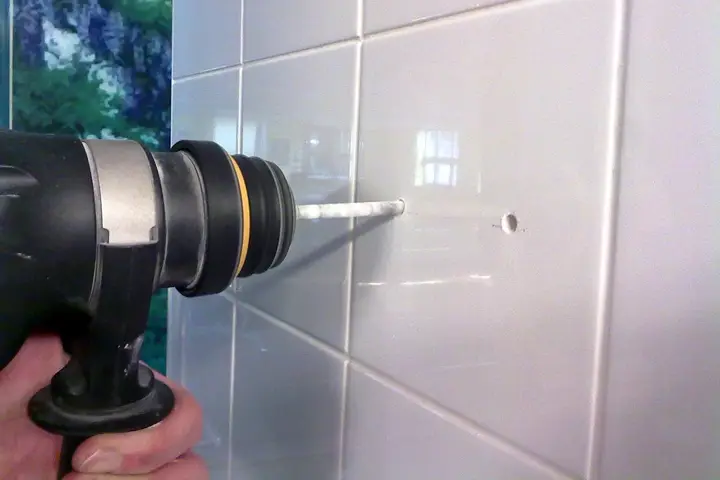
Floor and wall tiling, porcelain and ceramic tiles.
Assumptions & limitations
Results are planning estimates based on standard assumptions for finishes work. They do not replace structural design, site measurement or project specifications. Material densities, wastage and mix proportions vary by region and supplier.
Frequently asked questions
- How does the Tile Calculator work?
- Tiles = Floor area ÷ tile area plus wastage.
- Can I use the Tile Calculator in feet and inches?
- Yes. Switch to Imperial and enter feet, inches, square feet or pounds — the calculator converts automatically and shows results in imperial units.
- When should I use the Tile Calculator?
- Floor and wall tiling, porcelain and ceramic tiles.
- Is this construction calculator free?
- Yes. All CM PRO construction calculators are free — you only need to sign up and verify your email.
Related searches: tile calculator, how many tiles do I need, floor tile quantity.